Workflow automation · Salt Lake City
Workflow automation for the busywork your team still does by hand.
We connect the tools you already use so routine handoffs happen on time, repeated data entry goes away, and failures reach a person who can act on them.

- for most automations to ship; multi-system builds take longer
- 1 to 3 weeks
- under every workflow, whatever the process
- 4 safeguards
- from manual to dependable
- 5 steps
Timeframe from the FAQ below.
What changes
What a good workflow changes.
Automation is useful when the rule is clear, the result can be checked, and a person still owns the exceptions.
Less repetitive work
Fewer preventable errors
Tools that stay in sync
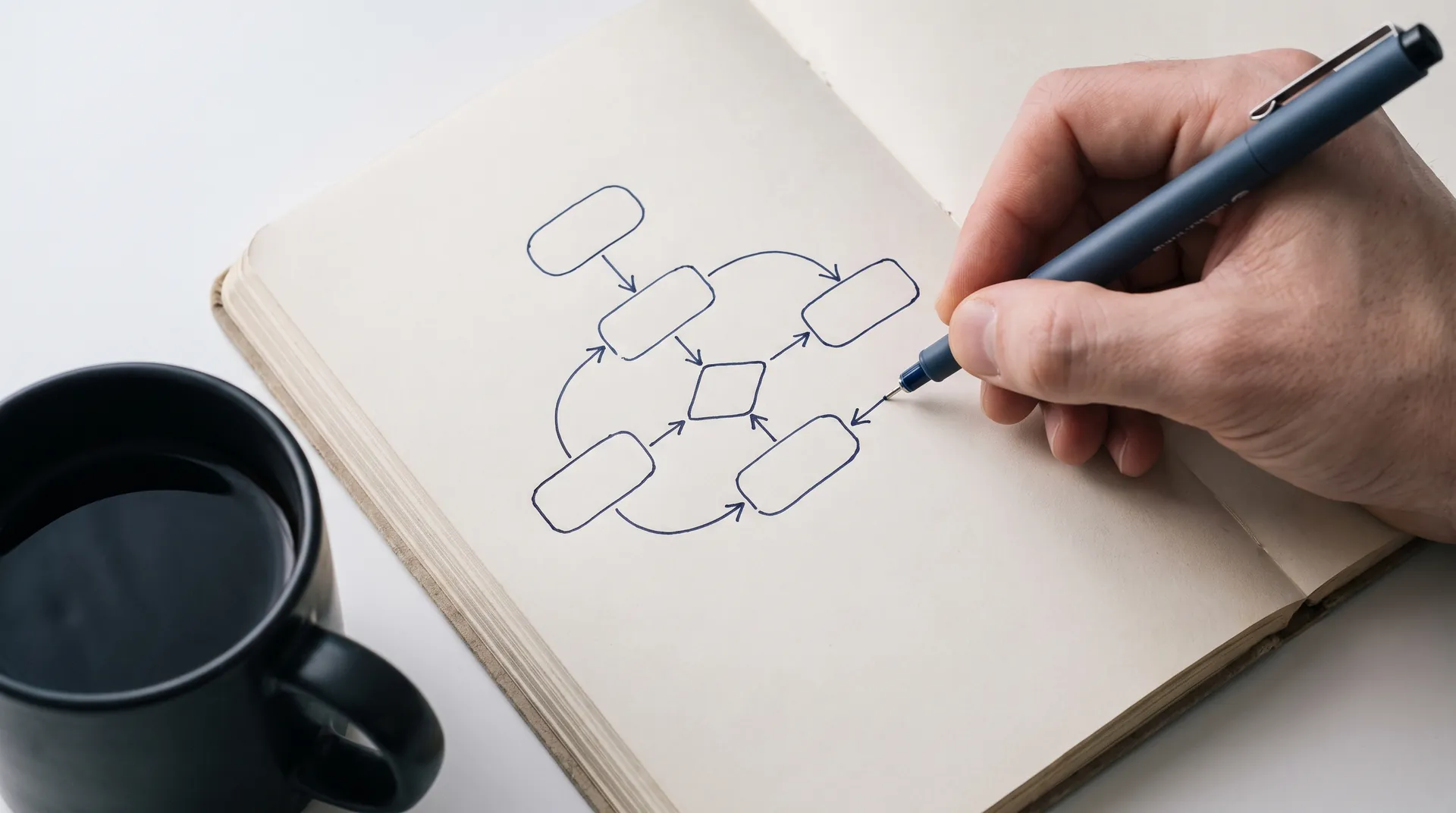
Example workflow
A new inquiry reaches the right owner.
Where a request comes from, the one place it lands, and where it goes next.
An illustration of the shape of a system, not live client data.
Use cases
What we can automate for you.
These are common starting points. The first build is scoped to one real process, not sold as a prewritten package.
Lead routing and follow-up
A new inquiry reaches the right owner with the details attached: where it came from, what service they want, and how to reach them. Reminders stop when a person replies.Employee onboarding
One approved hire can trigger account requests, training assignments, equipment tasks, and manager notifications, with exceptions held for review.Healthcare intake and administration
Secure intake, reminders, document checks, and staff alerts can move together while access remains limited to the people who need it.Invoices and approvals
Approved work can create an invoice, schedule reminders, and record payment status without the same number being typed into several systems.Customer follow-up
Quote reminders, appointment confirmations, and post-service review requests can run on clear rules and stop when the situation changes.
Every workflow
What every workflow includes.
Whatever the process, the same four safeguards sit underneath it.
Clear ownership
One source of truth
Failure alerts
AI with a review step


Process
Five steps from manual to dependable.
- 01
Map the current process
We follow one real item from start to finish and write down who touches it and which systems it passes through. We note every exception and every delay along the way. - 02
Choose the first workflow
We start with a narrow process whose result we can check and measure. If something goes wrong, we can reverse it. - 03
Build in your accounts
The workflow runs on tools you control, whether that is n8n, a platform connector, or a direct API integration. - 04
Test exceptions and recovery
We test bad inputs and missing approvals, vendor outages and duplicate events. We check that the alerts fire and that the recovery steps work. - 05
Handover and monitor
Your team gets the runbook and training. Ongoing monitoring is available when you want us responsible for keeping it running.
Service areas
Where we work.
Articulate Vision is based in Salt Lake City and works in person across the Wasatch Front. Remote projects are available throughout Utah and across the United States.
- Salt Lake City
- Sandy
- Murray
- West Jordan
- Provo
- Orem
- Heber City
- Park City

Deliverables
What you get.
Every build ends with workflows you can see, run, and change.
Time audit
Where the hours actually go, measured, not guessed.Automation map
Every flow drawn end to end, with owners named.Built flows
Running in your accounts, not ours.Failure alerts
When a flow breaks, a person knows within minutes.Runbook
How to pause, adjust, or extend any flow.Quarterly review
Flows retired or extended as the business shifts.
Common questions
Questions about workflow automation.
If yours is not here, call or write. We reply within one business day.

Related services
Where the work goes next.
 WebsitesDesigned and built by hand, structured so search engines and customers both understand what you do.See websites
 Custom softwareInternal tools and portals, plus the integrations between them, shaped to how your shop actually runs.See custom software
 Digital marketingLocal search and ad campaigns, plus the content behind them, measured in booked work instead of impressions.See digital marketing

Start here
Bring one process your team is tired of doing by hand.